Customer calls, evolved. No more missed calls. No more personal phones. No more lost callers. No more guesswork.
Business numbers, smart call routing and an AI agent that answers when your team can’t.
How It Works
01
Get a business number
Pick a number, buy it from your balance, and it’s ready for calls right away.
02
Build your call flow
Connect blocks so every caller goes to the right place.
03
Add your team
Invite users and give each one a role: owner, admin, supervisor or agent.
04
Answer every call
Calls ring your agents in turn until someone picks up.

Who it’s for
Built for teams that run on phone calls.
Small businesses
Get a professional business number and answer calls from anywhere.
Sales teams
Send leads to the right rep and call out from your business number.
Support teams
Use menus and call flows to route every caller to the right people.
Service businesses
Cover after-hours calls with business hours, voicemail, and Agent.
Growing teams
Add team members and numbers, and adjust call handling as you grow.
Call flows
Every incoming call goes
exactly where it should.
Build your call flow from simple blocks and change it any time, without touching a phone.
Incoming Call
Every flow starts when someone calls your business number.
Business Hours
Handle calls one way when you’re open and another when you’re closed.
Menu
Let callers choose where to go with a keypad menu.
Dial
Ring the right agent or team, or forward to an external number.
AI Agent
Let an AI agent talk to the caller and hand over to a person when needed.
Playback Audio
Play a greeting or message to the caller.
Voicemail
Take a message when nobody can pick up.
AI Voice Agent
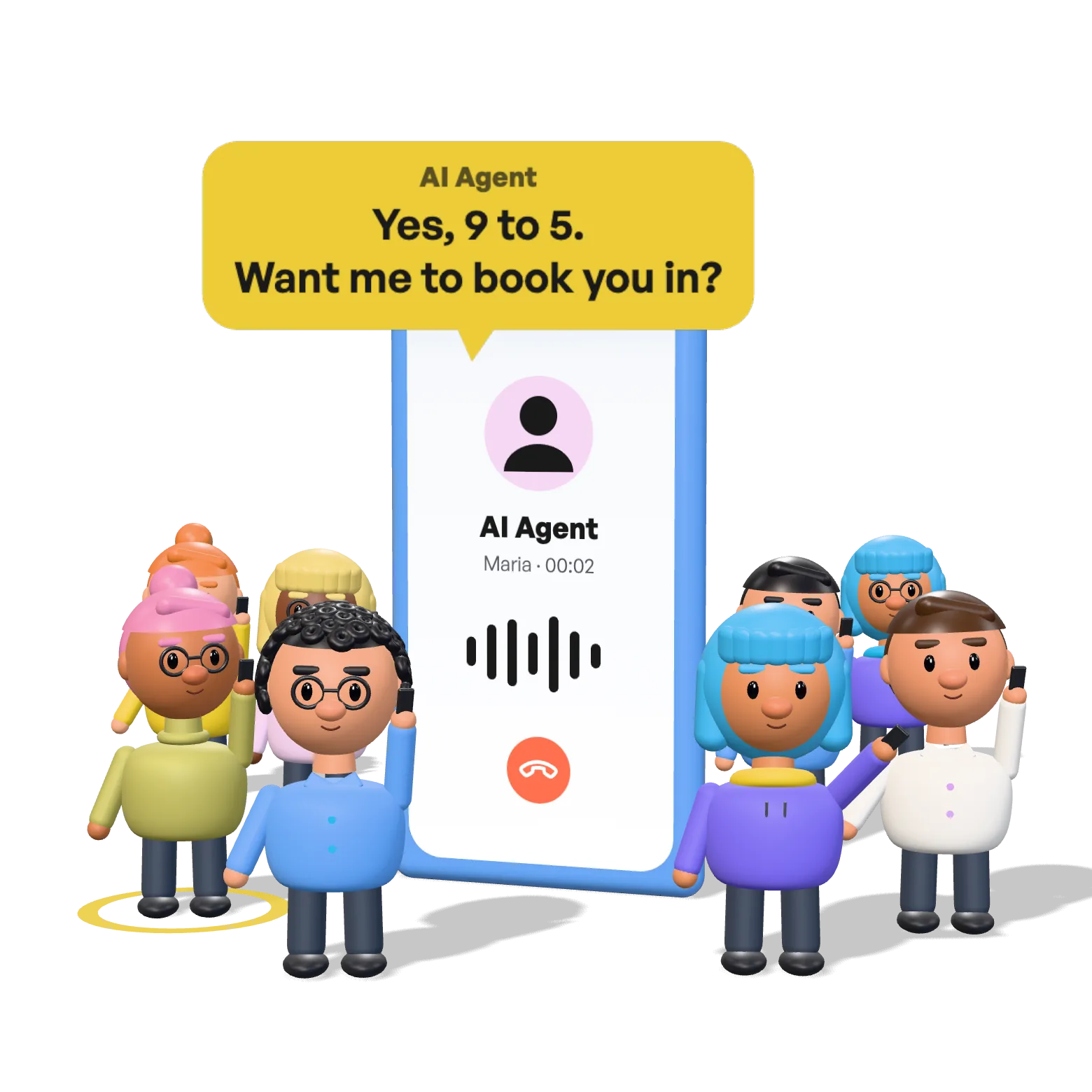
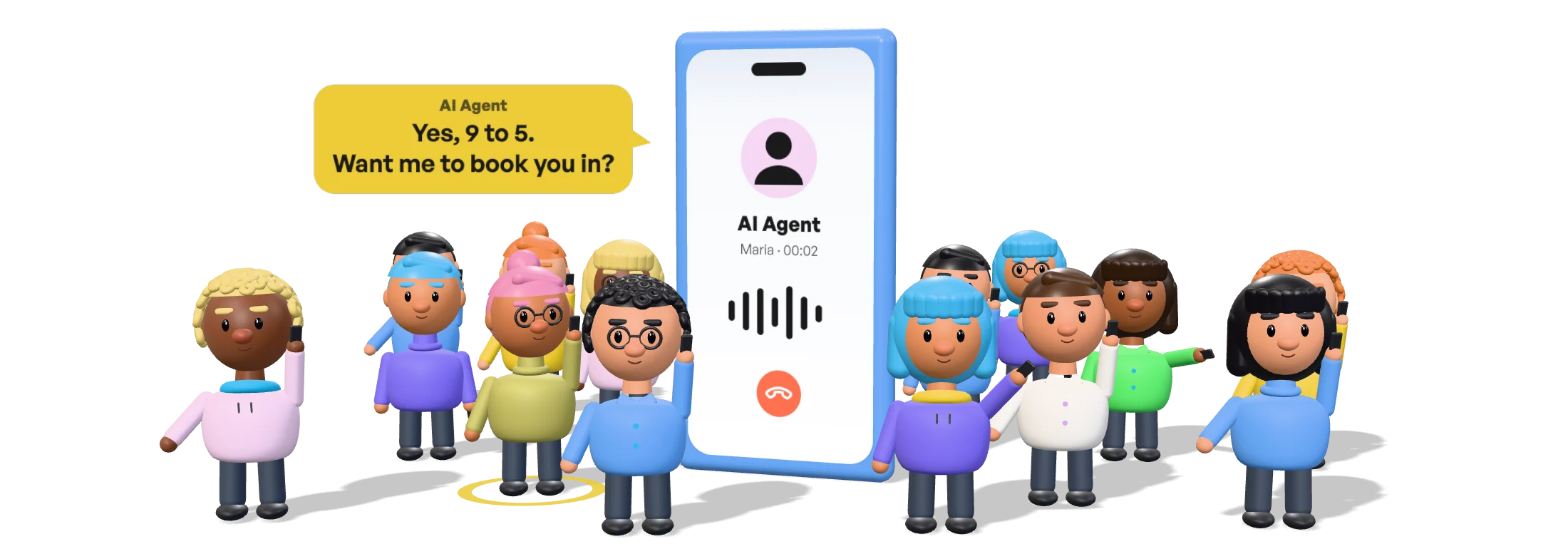
When your team can’t answer, Agent can step in.
Set it up right in your call flow: connect the AI Agent to “If no answer”, write its greeting, and callers are never left ringing.
- 1
Add the AI Agent to your call flow
Connect it to Dial’s “If no answer”, so your team always gets the first chance to pick up.
- 2
Set the greeting and voice
Write what the agent says first, pick a voice, and allow hand-over to a person.
- 3
Agent answers
When nobody picks up, the agent answers with your greeting and handles the call.
Numbers & team calling
One business number,
your whole team behind it.
Get local or toll-free numbers, assign them to your team, and call in or out from anywhere.
Business phone numbers
Choose local or toll-free numbers for your business.
Team members
Buy a license for each teammate and give them a role.
OwnerAdminSupervisorAgentNumber assignment
Assign each number to the people who should use it.
Outbound calling
Call customers from your business number, not a personal phone.
Incoming call routing
Calls ring your agents first and move on until someone answers, so no client is lost.
Calls & contacts
Every call and contact,
in one place.
Your calls, the history of every conversation and a dialer side by side. Call anyone back in one tap.
Calls
Every call in one list, with who answered and who still needs a call back.
Conversation history
Every call with a number, recorded in order: who called, who answered, how it ended.
Dialer & contacts
Your contacts live in the dialer: find someone and call them in one tap.
Call history
Know what happened on every call.
Inbound and outbound
How many calls came in and went out, by hour, day, week or month.
Answered or missed
Spot unanswered calls at a glance and call people back.
Every call in detail
Who called, who picked up, how long it lasted and how it ended.
Answer every call, starting today.
Get a business number and take your first call in minutes.