A user can make and receive calls only on the phone numbers linked to them. You can link numbers when you invite someone, or at any time later from their user page.
Before you start
Linking numbers is for the workspace Owner and Admins. You need at least one number in the workspace. See Buy a phone number.
Link numbers to a user
- In the sidebar, click Users and click the person’s name.
- In the Phone Numbers section, click Add Numbers.
- On Add phone numbers, select the numbers this person will make and receive calls on.
- Click Add number (or Add … numbers). You’ll see Numbers added.
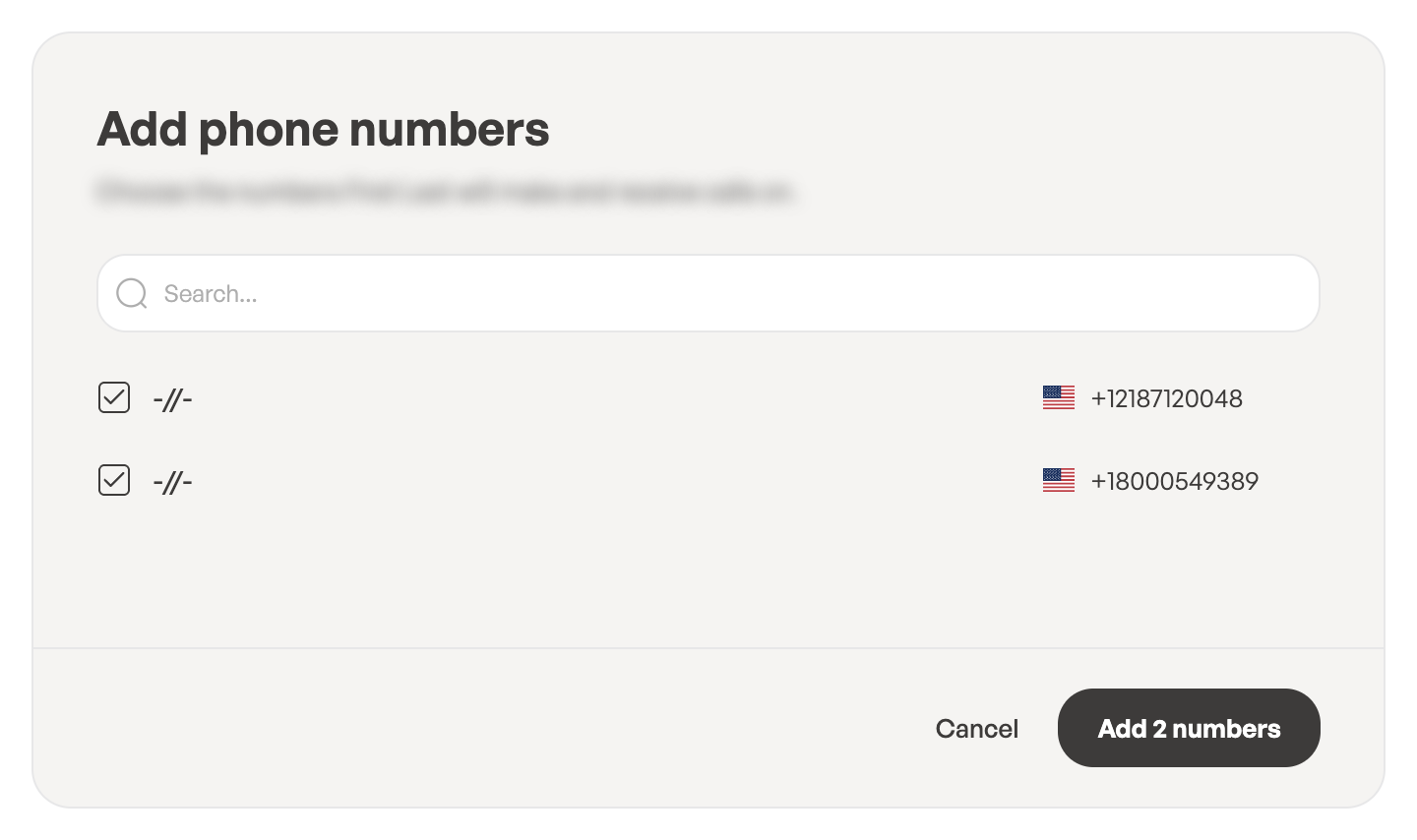
If the list is empty, every number in the workspace is already linked to this user.
Choose the default number
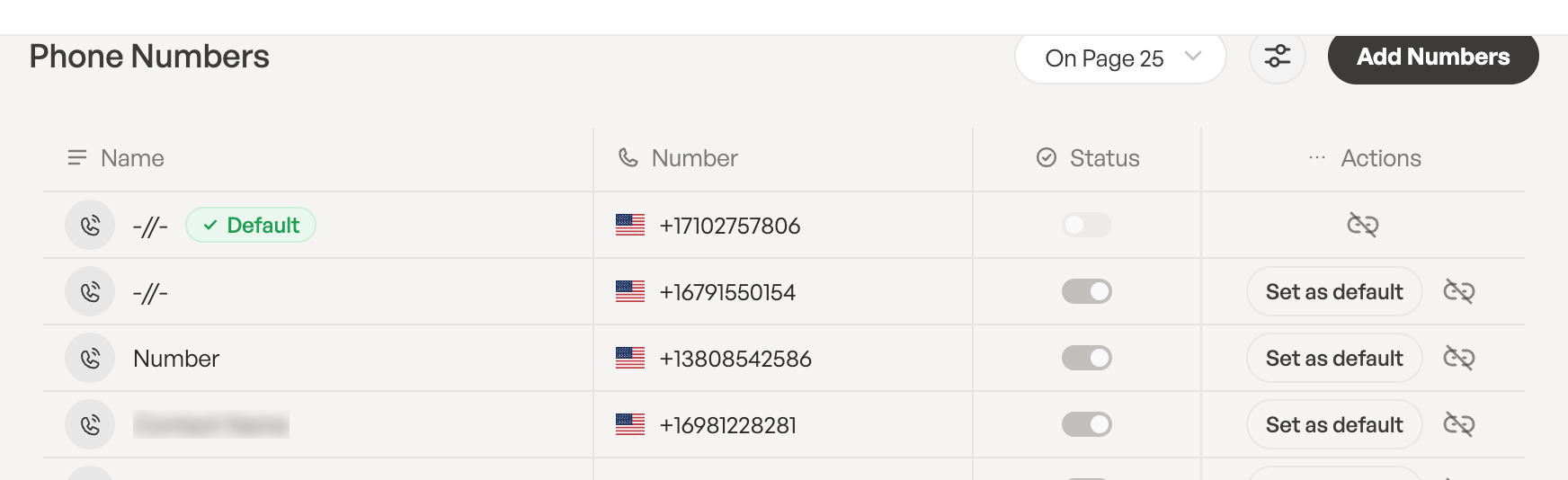
When a user has several numbers, the default number is the one marked Default. To change it, click Set as default next to another number. You’ll see … is now the default number.
Unlink a number
- Next to the number, click the unlink button (Unlink from this user).
- In the Unlink number dialog, click Unlink.
The user will no longer make or receive calls on that number. The number stays in your workspace, and you can link it again at any time.